Hey friend, picture this: you’re deep in a late-night coding session, humming along like a pro, when you spot it. That chunky file — chunk_1.txt, full of notes, drafts, or whatever private chaos you never meant for the world to see — has been committed, pushed, and is now living its best life in your repo. You slap it into .gitignore like a responsible adult… but the damage is done. It’s already in there.
Cue the mild heart attack. But relax. Git is forgiving (mostly), and fixing this is easier than untangling your headphones after a gym bag explosion. We’ll yank the file out of the repo while leaving it cozy on your local machine. No drama, no data loss, just a clean getaway.
Here’s the one-line hero move:
git rm --cached chunk_1.txt
(Replace chunk_1.txt with your actual file path, obviously.) This tells Git: “Hey, stop tracking this thing starting now,” but the file stays right where it is on your disk. Magic? Close enough.
Next, commit the divorce:
git commit -m "Remove accidentally committed file from tracking"
And if you’re sharing with the world (or your team), push it home:
git push
That’s it. The file vanishes from the current state of your repo — and from GitHub after the push. Your .gitignore now kicks in like it should have from day one.
What about GitHub specifically? Once that push lands, refresh the repo page and poof — it’s gone from the latest view. Old commits still technically remember it (Git history is clingy like that), but for everyday “oops, not secret but embarrassing” files, this is plenty.
If it’s actually sensitive stuff (passwords, keys, your browser history… kidding), you might want fancier history-rewriting tools later. For now, the — cached trick handles 95% of these “why did I do that” moments.
A couple other git tips to keep in your back pocket so this doesn’t happen again:
- Run
git statusreligiously before every commit. It’s like checking your pockets before leaving the house. - Commit your .gitignore early and often. Future you will send present you a thank-you beer.
- If you ever need to peek at what’s actually tracked,
git ls-filesis your quiet little spy.
And the fun tidbit? Git doesn’t actually delete anything on day one — it just stops caring. That file is still in your local history if you ever need to time-travel with git reflog. So you can always get it back if you change your mind (no judgment).
There you go. Your repo is now lighter, cleaner, and slightly less embarrassed. You’ve officially adulted your way out of a classic git whoopsie.
If you’ve ever committed something you shouldn’t have (we’ve all got stories), drop your best horror tale in the comments below. What’s the most ridiculous file you’ve had to exorcise? Follow for more light-hearted git rescues, tech adventures, and creative chaos!
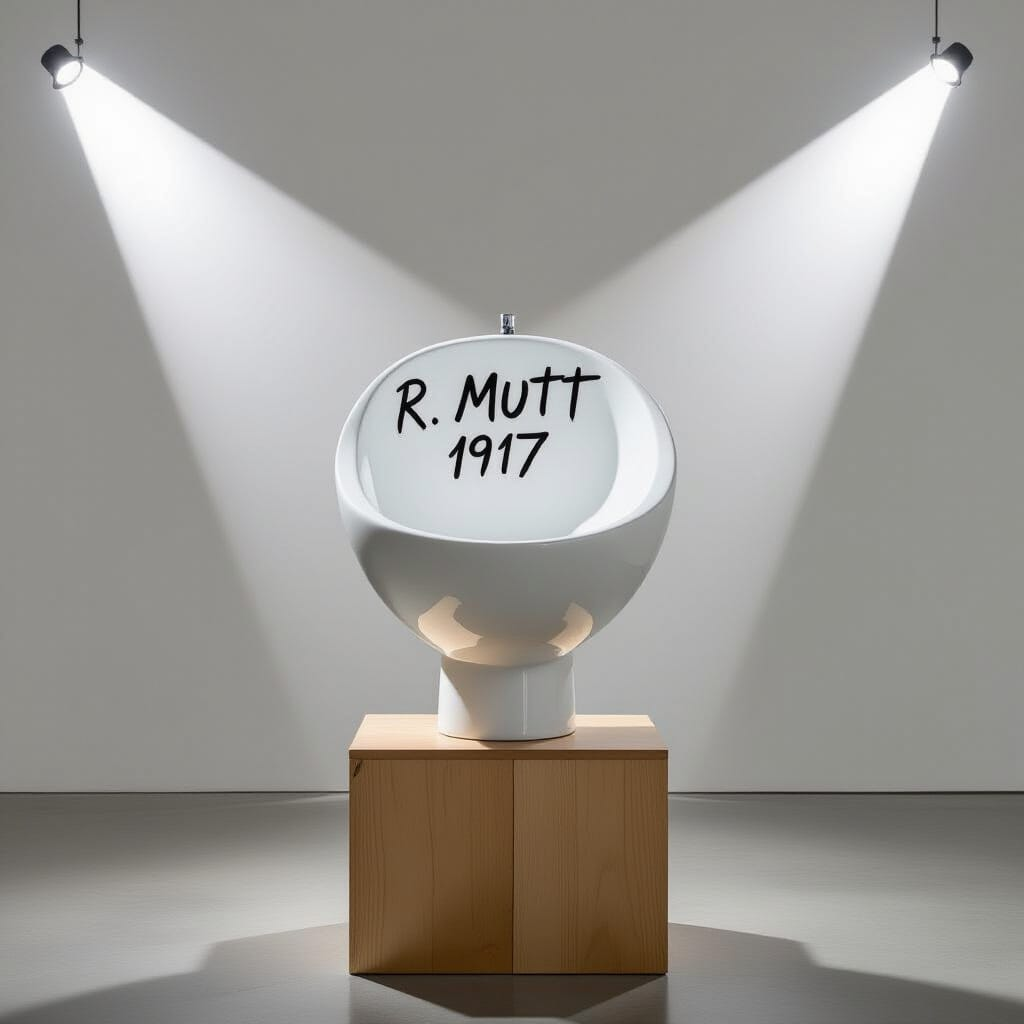
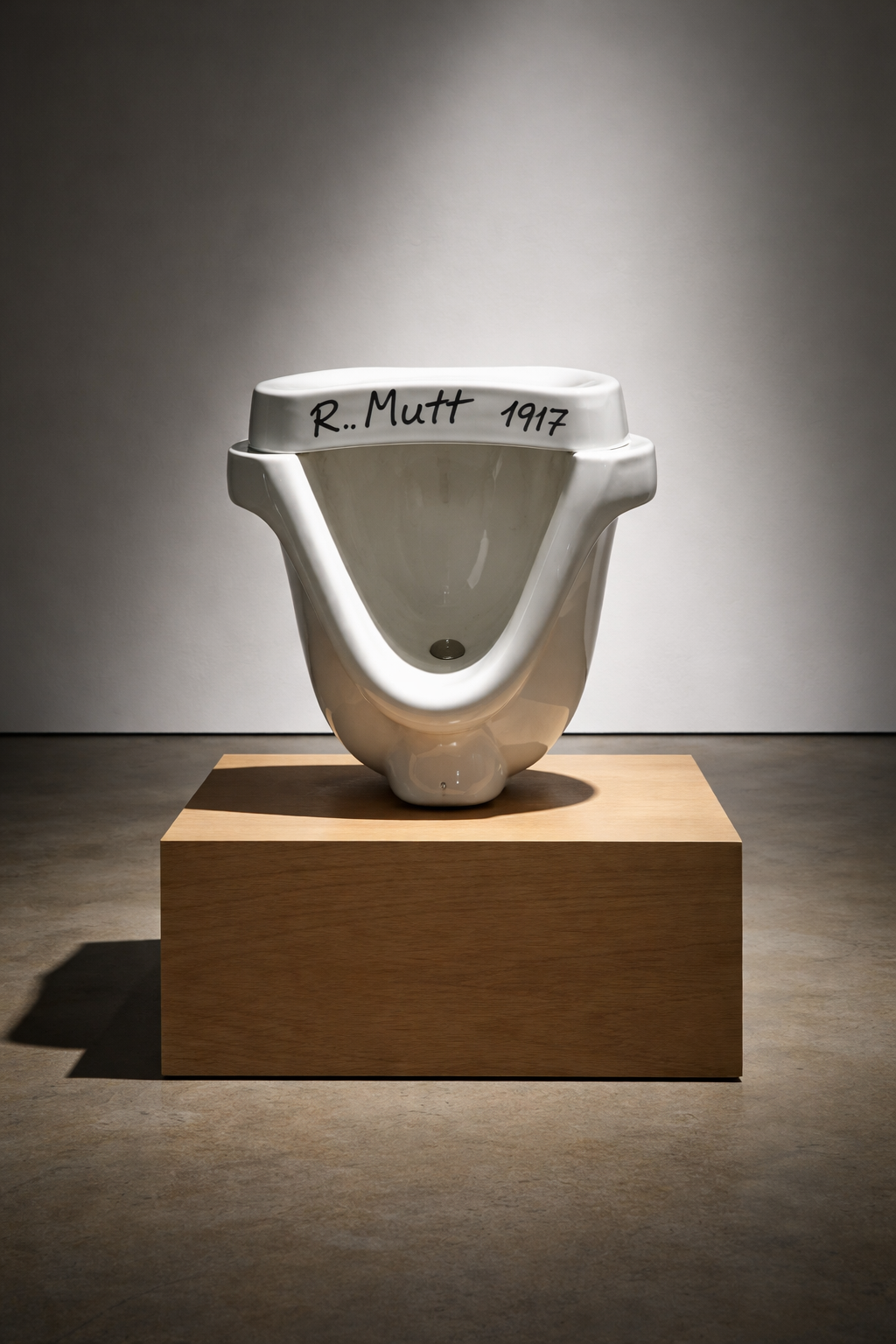
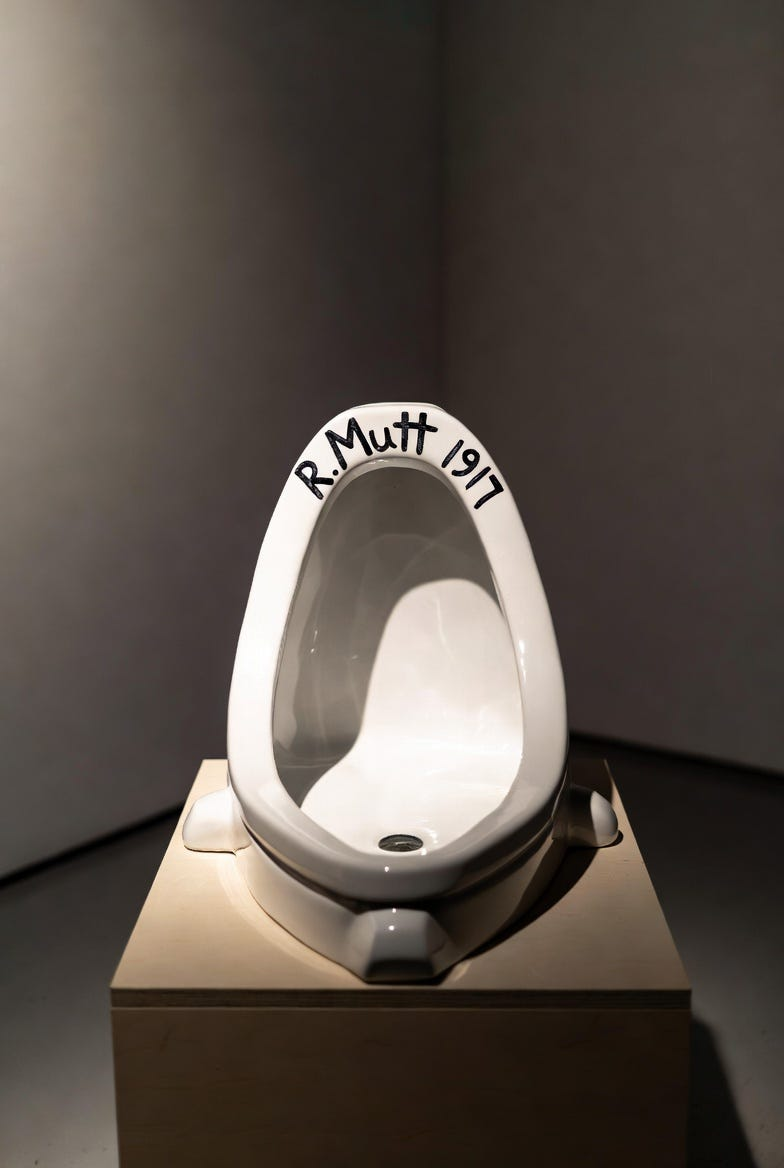
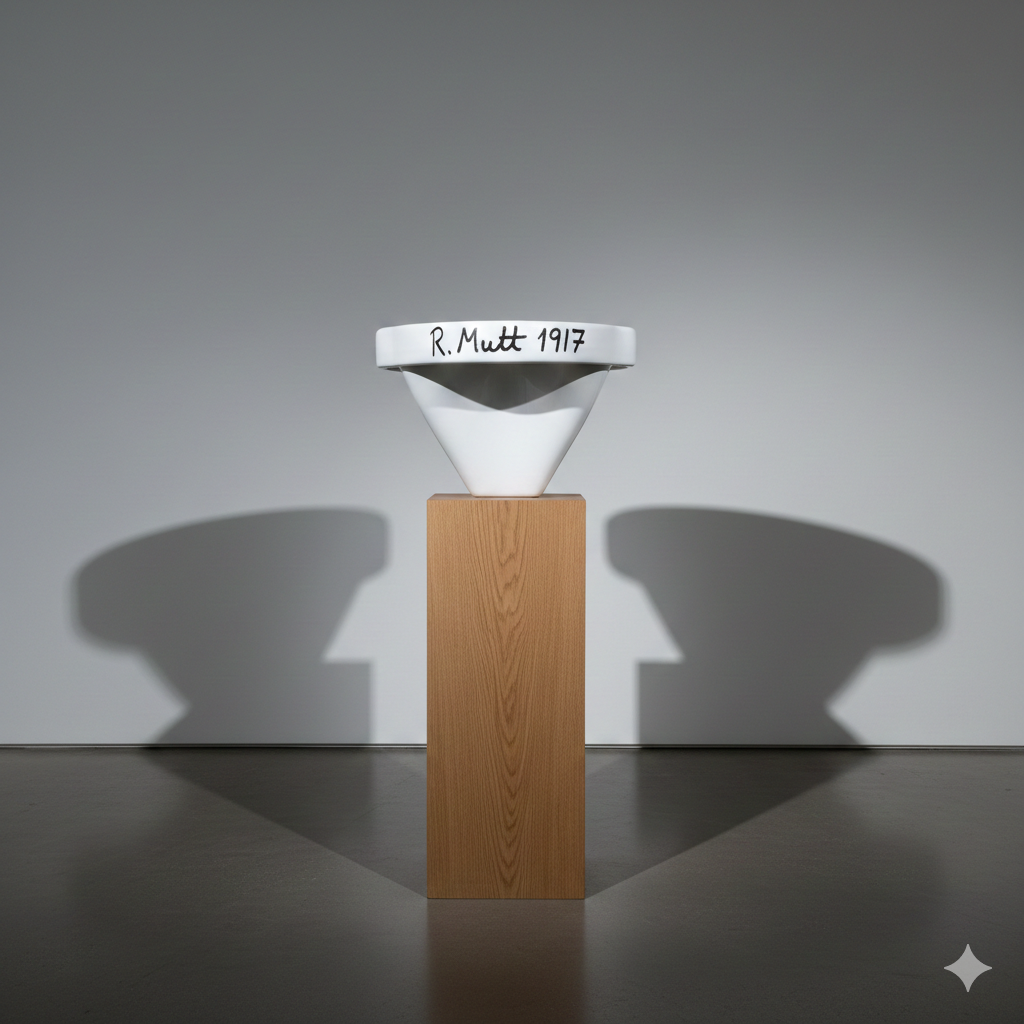
Art Prompt (Dadaism): A stark white porcelain urinal positioned upside down on a simple wooden pedestal in a minimalist gallery space, illuminated by dramatic overhead lighting that casts long sharp shadows and highlights its smooth industrial curves and glossy texture, with the bold handwritten inscription R. Mutt 1917 scrawled in dark ink across the rim, creating an atmosphere of provocative absurdity and playful rebellion against traditional artistic norms through its unadorned everyday object elevated to high art.
Video Prompt: Burst into rapid zooms on the glossy porcelain surface catching harsh gallery lights, quick spins around the pedestal revealing the handwritten signature from every wild angle, sudden cuts to the bold inscription flashing larger then smaller, playful tilts making the urinal appear to dance defiantly on its base, intercut with flashing light flares and particle bursts of ink-like splatters, building to an explosive wide shot where the object seems to float momentarily before snapping back into place with high-energy flair.
Songs to go with the video:
Beautiful Things — Benson Boone
Too Sweet — Hozier