
I used to believe videos had to be perfect. Not “pretty good,” not “we’ll fix it in post,” but museum-grade, archival, future-humans-will-study-this perfect.
Then reality showed up. Loudly. Usually in the form of a great take with a terrible middle.
The beginning was strong. The ending was gold. The middle? A cough. A pause. A sentence that wandered off and never came back.
Old me would have sighed, re-recorded everything, and pretended I was totally fine with that. New me opened a terminal and let FFmpeg quietly save my sanity.
Here is the thing nobody tells you when you start making videos: the hard part is not recording. The hard part is accepting that humans are involved. Humans blink. Humans restart sentences. Humans knock microphones over with alarming confidence.
FFmpeg does not care about any of that.
It does not judge. It does not sigh. It does not suggest you “just redo it.” It simply takes the good parts and politely ignores the rest.
I had one video file. Inside it were two moments worth keeping, separated by a stretch of audio chaos that should never see daylight.
Instead of chasing perfection, I did something radical: I cut around the problem.
I sliced out the good opening. I grabbed the strong closing. I stitched them together like they had always belonged that way.

No re-recording. No re-exporting from a video editor. No dramatic loss of momentum.
Just this:
ffmpeg -i input.webm -to 00:01:17 -c copy part1.webm
ffmpeg -i input.webm -ss 00:01:55 -c copy part2.webm
Then I told FFmpeg to glue the pieces together:
printf "file 'part1.webm'\nfile 'part2.webm'\n" > list.txt
ffmpeg -f concat -safe 0 -i list.txt -c copy output.webm
That was it.
No recompression. No quality loss. No fanfare.
The final video looked intentional. Like I planned it that way all along.
This is the quiet superpower of FFmpeg: it rewards decisiveness. You do not need to be precious. You do not need to be perfect. You just need to know what matters and cut everything else out.
And yes, you could do this in a full video editor. But there is something deeply satisfying about solving the problem with a few lines of text and moving on with your life.
FFmpeg lets you treat video like data. Trim it. Join it. Keep what works. Delete what does not.
That mindset alone is worth learning it for.
If you are recording tutorials, demos, art videos, or anything where momentum matters more than flawless delivery, stop chasing the mythical perfect take.
Record freely. Fix surgically.
FFmpeg has your back.
If this saved you even one re-record, do me a favor: follow me for more practical shortcuts like this, and drop a comment with the worst take you ever tried to salvage. I promise you are not alone.
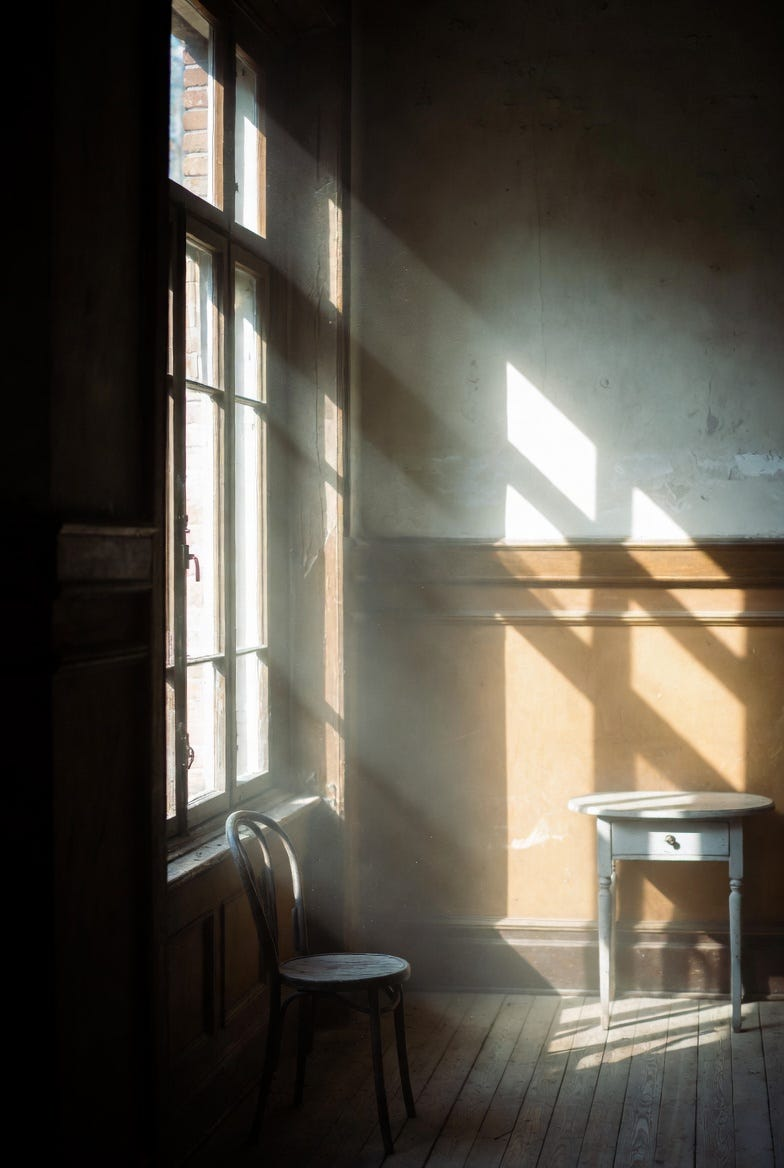
Art Prompt (Realism): A quiet interior scene illuminated by soft afternoon light filtering through a tall window, subtle dust particles suspended in the air, muted earth tones and gentle contrasts, natural textures rendered with patient, precise brushwork, a sense of stillness and lived-in authenticity, intimate framing that feels observational rather than staged, calm and reflective mood with understated emotional weight.
Video Prompt: The scene comes alive with slow, deliberate motion as light shifts across surfaces, dust drifting and catching highlights, shadows subtly breathing along the walls, textures gently sharpening and softening, a calm but purposeful rhythm that feels immersive and quietly mesmerizing, designed to hold attention through nuance rather than spectacle.
Music to pair with the video:
- Floating Points — Birth
- Hania Rani — Tennen

If you enjoyed this, follow along for more experiments at the intersection of tools, art, and not overthinking things. Leave a comment and tell me what tool quietly saved your workflow when nothing else would.