By now this suspicious little computer science parade has built up some mileage.
CS101 so far: Episode 1 — What Is CS 101?, Episode 2 — Programming Fundamentals Part 1: Variables and Conditionals, Episode 3 — Programming Fundamentals Part 2: Loops and Functions, Episode 4 — Algorithmic Thinking, Episode 5 — Data Structures, and Episode 6 — History, Debugging, and Problem Solving.
CS102 so far: Episode 7 — Recursion and Problem Decomposition, Episode 8 — Complexity and Efficiency, Episode 9 — Memory and the Machine, Episode 10 — Files, Input, and Output, Episode 11 — Modular Design and Abstraction, and Episode 12 — Testing and Reliability.
And now we arrive at the part where programs stop being a neat stack of instructions and start behaving like little ongoing situations.
This is state, bugs, and program behavior.
Or, translated into normal human language: this is the chapter where software starts remembering things, changing over time, and occasionally gaslighting the person who wrote it.
What is it?
State is the stored condition of a program at a particular moment.
That sounds formal, so let me say it like a person.
If a program knows that a user is logged in, that a cart has three items, that a button has already been clicked, that a game character has 12 health left, or that an order is now “shipped” instead of “processing,” that program has state.
Program behavior is what the software does as that state changes.
A bug, very often, is what happens when the program’s actual state and your mental picture of its state stop being the same thing.
So this topic is really about one big uncomfortable truth: code is not just lines on a page. Code runs through time. And once time enters the room, things get interesting.

Is it still relevant?
Absurdly relevant.
In fact, this is one of the reasons beginner programs feel clean and professional software feels like a live animal you are trying to guide into a spreadsheet.
Toy programs often begin, do one thing, and end.
Real systems keep going.
They wait for clicks. They process requests. They retry failed jobs. They sync data. They cache things. They remember sessions. They keep partial results around. They wake up tomorrow still carrying the consequences of yesterday.
That means state is not a niche topic. It is the daily weather of software.
Banks care about it. Shopping carts care about it. Scheduling tools care about it. Games care about it. Social apps care about it. Anything with users, memory, workflows, permissions, inventory, retries, drafts, balances, jobs, or “what happened just before this” cares about it.
So yes, still relevant.
Painfully. Permanently. Often before coffee.
Why the same code behaves differently after lunch
Because the code is often not the only thing in the room.
The data changed.
The order of events changed.
Something got cached.
A shared object was modified.
A flag was flipped three functions ago.
A background job finished.
A timeout hit.
A user clicked twice.
The database returned slightly different information.
A value that looked local turned out to be shared.
This is why a lot of bugs feel rude. The source of the problem is not always sitting in the line of code where the symptom appears. It may be upstream, earlier, hidden, asynchronous, or quietly accumulating in memory like a tiny legal case against you.
Pros and cons
State is not evil. State is how software becomes useful.
Without state, a program cannot really remember, personalize, track progress, manage sessions, store drafts, move an order through a pipeline, or keep a conversation alive. It would be a very elegant goldfish.
So the strengths are obvious:
- It lets programs model reality over time.
- It makes interactive software possible.
- It allows continuity, memory, progress, recovery, and personalization.
- It helps systems coordinate multi-step work.
Now the bad news.
Once values can change, you are no longer just reading logic. You are reading history.
That gives state its main weaknesses:
- Hidden dependencies
- Unexpected side effects
- Race conditions
- Order-sensitive behavior
- Difficult debugging
- Bugs that only appear under very specific timing or user paths
In other words, state is powerful because reality changes. State is dangerous for exactly the same reason.
What is it used for?
Almost everything that matters.
- User authentication
- Shopping carts
- Game worlds
- Workflow systems
- Database transactions
- Caching layers
- Message queues
- Mobile app screens
- Form validation
- Undo history
- Background processing
- Feature flags
- Rate limiting
- Retry logic
- Collaborative editing
If your program needs to answer, “What is true right now?” it is in the state business whether it likes the job title or not.

Is it similar to anything else?
It overlaps with a few neighboring ideas, but it is not identical to them.
State is related to memory, because memory is where a lot of state lives.
It is related to side effects, because changing state is one of the most common side effects.
It is related to program flow, because behavior often depends on what already happened.
It is related to data modeling, because what you choose to represent affects what can go wrong.
And it is related to debugging, because debugging is often just archaeology with worse posture.
A quick example before the bug develops a personality
Here is one of those tiny examples that looks innocent right up until it does not:
def add_task(task, tasks=[]):
    tasks.append(task)
    return tasks

print(add_task("Write the feature"))
print(add_task("Fix the bug"))
At first glance, many beginners expect this:
["Write the feature"]
["Fix the bug"]
What they actually get is this:
["Write the feature"]
["Write the feature", "Fix the bug"]
Why?
Because that list is hanging around between calls.
The behavior changed over time because the function was carrying state you did not mean to keep.
That is the whole episode in miniature.
Same function.
Same source code.
Different outcome.
Not because the computer is moody, but because the program remembered something.
What are the alternatives?
This is the part where experienced programmers get a very calm look in their eyes and start saying words like immutability.
You cannot eliminate state from useful software, but you can control how much of it is floating around unsupervised.
Some common strategies are:
- Keeping functions pure when possible, so the same input gives the same output
- Using immutable data where practical, so values do not quietly change behind your back
- Making state explicit instead of hidden
- Reducing shared mutable state
- Separating read models from write models when systems get large
- Using event logs when history matters more than the latest snapshot
- Designing stateless services where appropriate, especially for scalability
The real alternative to messy state is not “no state.”
It is “fewer surprises.”
That is a much better life goal.
What is the history here, and who invented it?
No single person invented program state the way someone invents a framework or a database product.
State falls out of a more basic fact: a running program has to remember things.
The moment computing moved from one-shot calculation toward stored programs, changing memory, and ongoing execution, state became unavoidable. It has been with us since early modern computing, and it became more visible each time software got more interactive, more networked, and more long-lived.
So when was it most popular?
That is a bit like asking when gravity peaked.
State has always mattered, but it became dramatically more discussed when user interfaces got richer, web apps started behaving like desktop software, mobile apps made interaction constant, and distributed systems started spreading one logical “thing” across several machines that all wanted to disagree politely.
So popularity is not really going up or down.
Awareness of it rises when software gets more ambitious.
The underlying problem never left.
What companies use it the most?
All of them.
Every company with accounts, transactions, orders, permissions, sessions, workflows, inventory, messages, dashboards, retries, or background jobs is dealing with state all day long.
Some industries just feel the pain more publicly.
Finance cares because money gets grumpy when duplicated.
E-commerce cares because carts, stock, and orders have to stay coherent.
Games care because the world has to keep changing without collapsing.
Productivity apps care because drafts, sync, comments, and permissions are state wearing office clothes.
Cloud platforms care because orchestration is basically large-scale state with a pager attached.
What tech stack does it work with?
Every stack.
This is not a niche tool. It is a property of software that persists across languages, frameworks, and operating systems.
You see it in frontend apps when components rerender based on changing values.
You see it in backend services when requests update databases and caches.
You see it in C and C++ when memory, mutation, and shared resources show their teeth.
You see it in Python, Java, Go, Rust, C#, JavaScript, and basically every ecosystem that has ever tried to survive real users.
Different stacks manage state differently.
Some try to make mutation easy.
Some try to make it safer.
Some pretend it is under control until the logs say otherwise.
But nobody gets to leave it out entirely.
What tools work best with it?
The glamorous answer would be brilliance.
The real answer is less cinematic.
- Good debuggers
- Structured logging
- Tracing
- State inspectors
- Tests that cover transitions, not just isolated functions
- Clear data models
- Reproducible environments
- Metrics and alerts
Occasionally a notebook, a whiteboard, and the willingness to admit that the bug is probably not “somewhere weird.” It is somewhere specific. You just have not insulted the correct subsystem yet.
Does it work well with AI?
Yes, with an asterisk big enough to need zoning approval.
AI is genuinely useful for spotting suspicious state transitions, suggesting test cases, tracing possible execution paths, summarizing logs, and helping you reason through “what could have changed between A and B?”
It is especially good when you can show it the code, the data shape, the error, and the sequence of events.
Where it struggles is the exact place humans struggle too: hidden runtime truth.
If the real problem lives in production timing, stale cache contents, weird user behavior, or a shared mutable object that only mutates under one odd condition, AI still needs evidence. It cannot magically infer the secret life of your system from vibes.
So yes, AI works well with this topic.
But it works best when you bring receipts.
How much is it going to cost me?
As a concept? Nothing.
As an engineering reality? Quite a lot, if you ignore it.
You pay for state in complexity.
You pay for it in testing.
You pay for it in monitoring.
You pay for it in incident response.
You pay for it in architecture choices.
You pay for it when a feature looks easy on the whiteboard and then reveals itself to be seven synchronized edge cases in a trench coat.
This is why teams that get serious about software eventually get serious about state.
Not because it is fashionable.
Because it sends invoices.
Is it the subject of any famous art?
Not usually under the label “program state,” no.
You are unlikely to stroll into a museum and find a grand oil painting titled The Persistence of Session Variables.
But the spirit of this topic shows up all over modern and contemporary art.
Glitch art loves failure, instability, and systems misbehaving in public.
Generative art loves rules unfolding over time.
Conceptual art often plays with instruction, repetition, definition, and the gap between the thing and the idea of the thing.
So while state is not a classic art genre, it absolutely has artistic cousins. Quite a few of them look like they were made by someone who had just lost an afternoon to a synchronization bug and decided to make that everybody else’s problem too.
Does it matter more now than it used to?
In one sense, no. It has always mattered.
In another sense, yes, because modern software is less static, more connected, more concurrent, more stateful at the edges, and more expected to behave correctly across devices, sessions, networks, and time.
A command-line script can be wonderfully direct.
A full modern application has user state, server state, cached state, persisted state, background state, temporary state, shared state, and whatever state is currently hiding in the front-end because somebody said “we’ll clean this up later” with dangerous optimism.
So the subject has not become more real.
It has become more crowded.
Strengths and weaknesses in one sentence each
The strength of state is that it lets software model reality.
The weakness of state is that reality is messy.
There. Entire episode distilled into two mildly threatening lines.
The practical lesson
Do not leave this episode thinking the goal is to fear state.
The goal is to respect it.
Make it visible.
Keep it local when you can.
Name it clearly.
Test transitions, not just outcomes.
Be suspicious of anything shared and mutable.
Prefer simple flows over clever ones.
And when the same code behaves differently after lunch, do not immediately assume the universe is mocking you.
Sometimes it is.
But very often the answer is simpler: something changed, something persisted, or something you thought was isolated had roommates.
That is not mysticism.
That is software aging in real time.
If this series is helping the machinery feel a little less haunted, follow along, leave a comment, and tell me which kind of bug annoys you more: the ones that fail every time, or the ones that wait until you look confident.
And if you want the art side of this whole operation too, LumAIere.com is over there making its own strange little arguments in public.
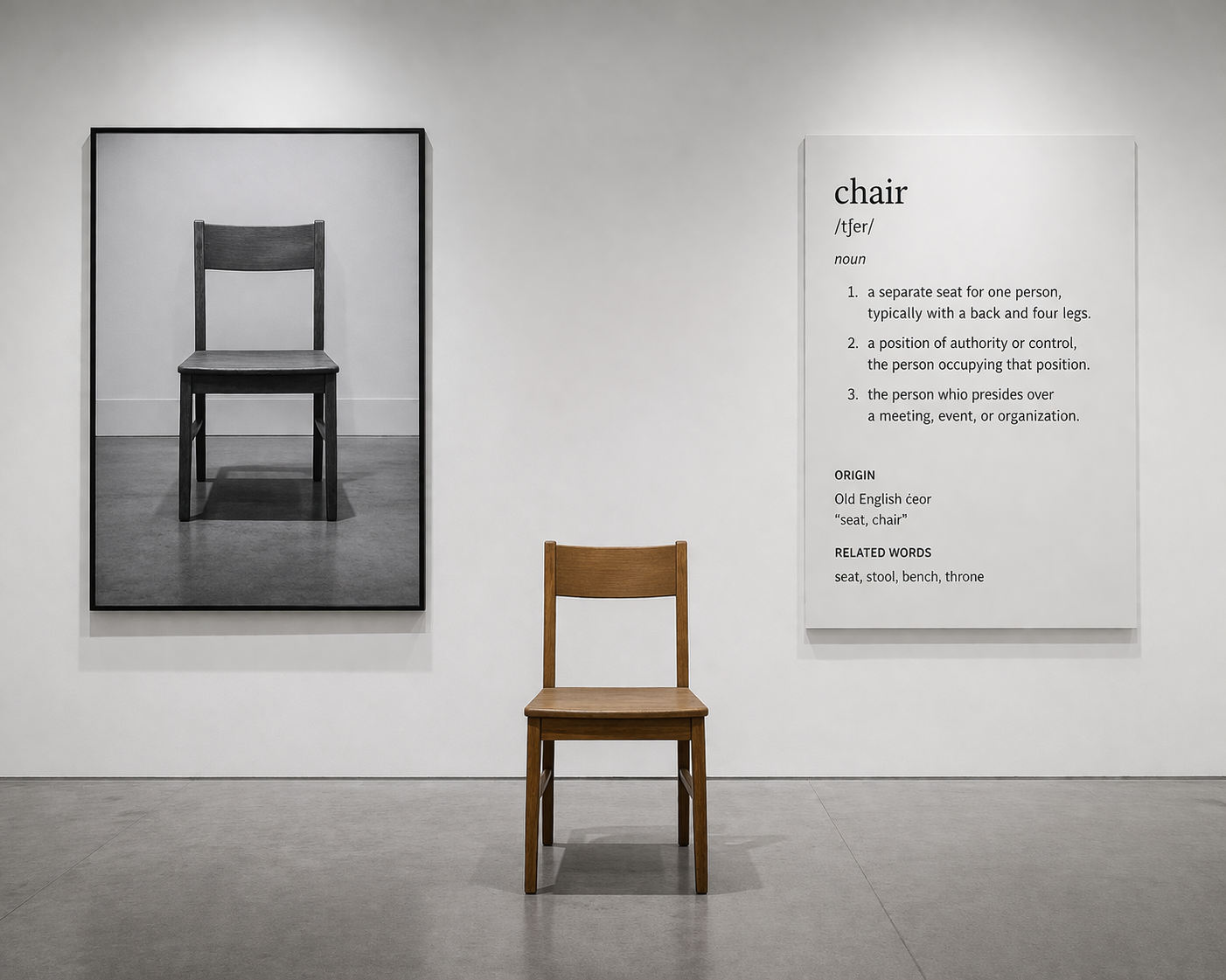
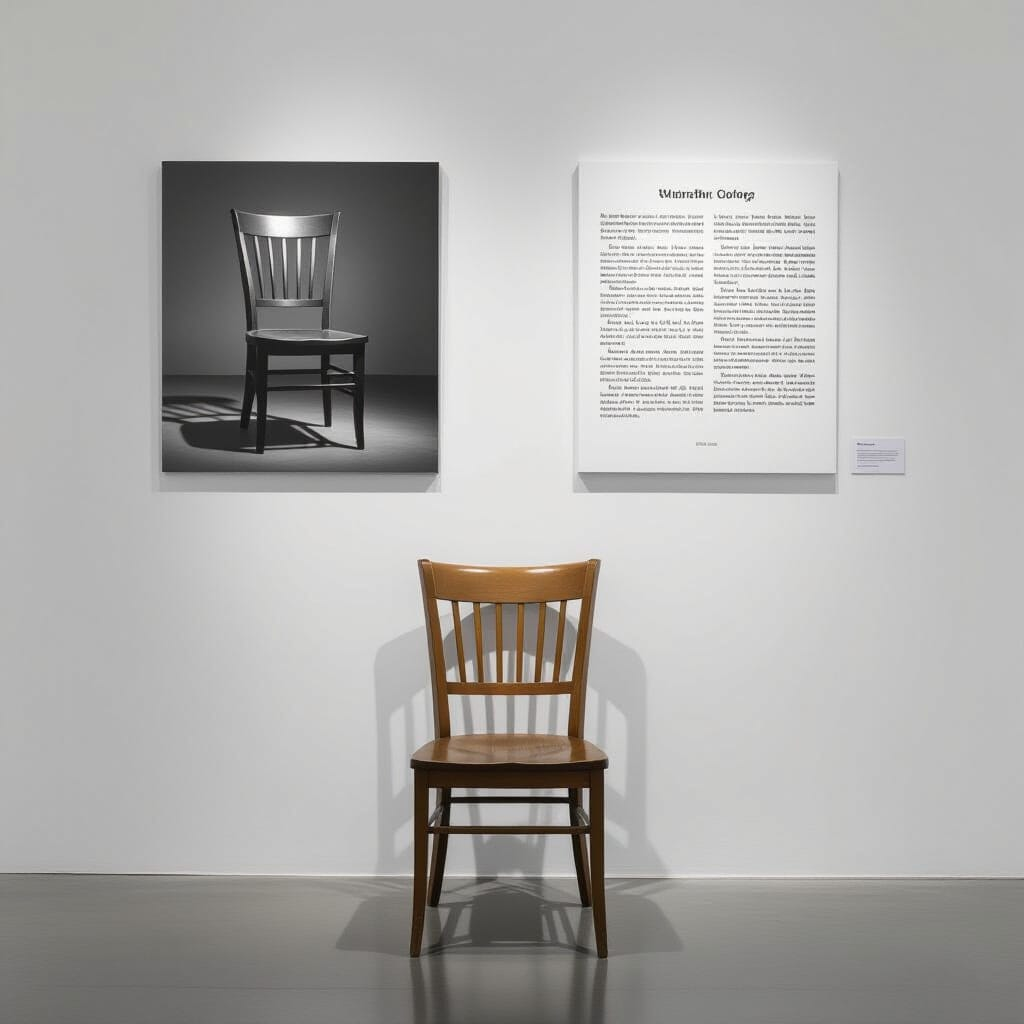
Art Prompt (Conceptual Art): A severe white gallery wall with a plain wooden chair placed slightly off-center beneath cold institutional light. Beside it, hang a crisp black-and-white life-size photograph of the same chair, and on the other side mount a large panel of dictionary-style text defining the object in clinical language. Keep the composition stark, frontal, and intellectually dry, with generous negative space, exact spacing, pale gray shadows, matte surfaces, and the strange tension of an ordinary object turned into an argument. The mood should feel cool, cerebral, mischievous, and quietly destabilizing, as if the room is inviting the viewer to debate reality with furniture.
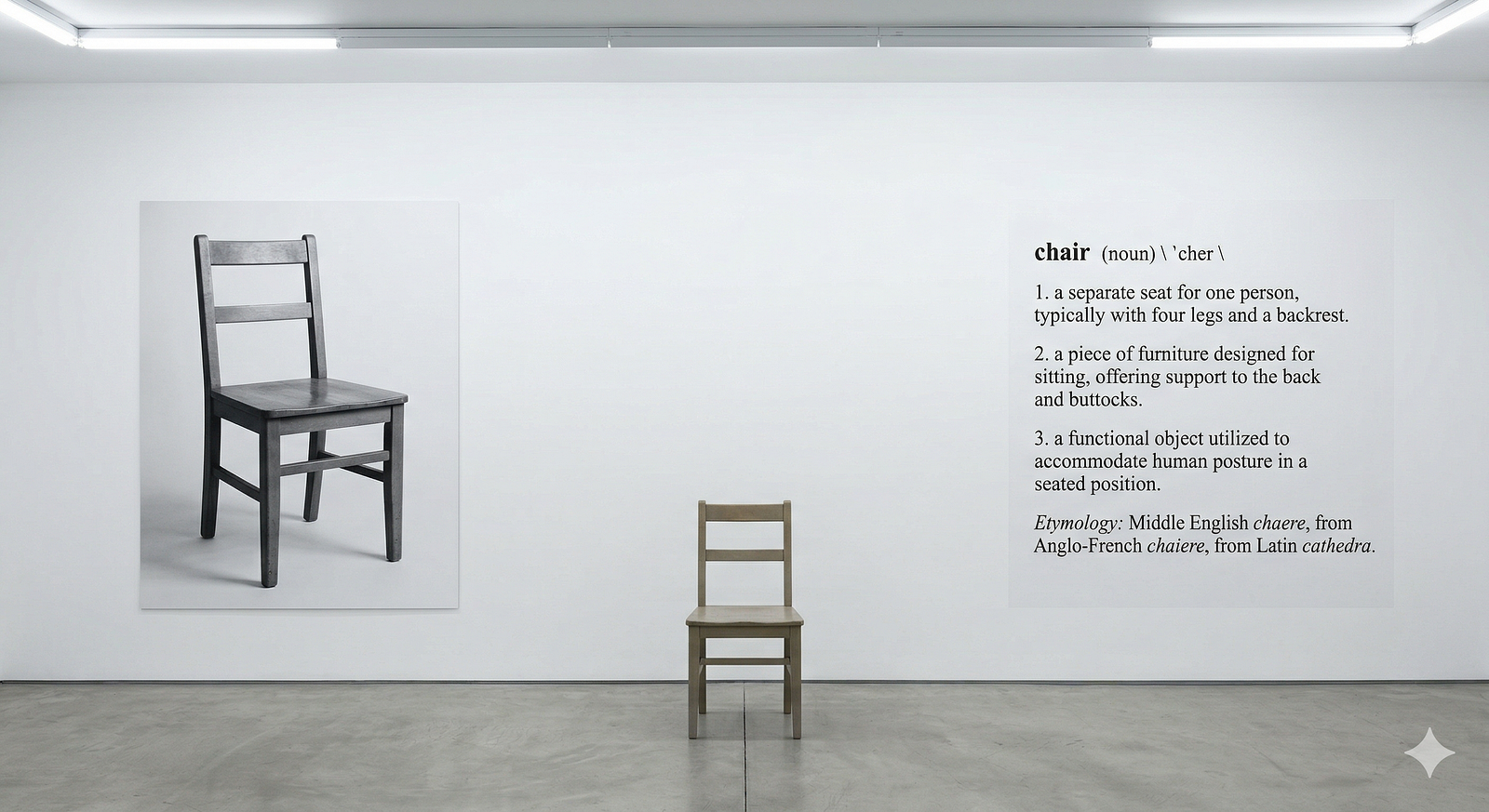
Video Prompt: Open with a hard cut to the word “chair” in black type on white, then snap-zoom out to reveal the full dictionary panel, whip sideways to the photograph, then land on the real wooden chair under gallery light. Alternate fast punch-ins on the seat, legs, printed definition, and photo grain, with crisp match cuts that make the object seem to swap identities between thing, image, and language. Add subtle fluorescent flicker, footstep echo, and rhythmic jump cuts that repeat the trio in different orders until the space feels like a visual argument. End on a centered wide shot where chair, photograph, and definition hold perfectly still for one uneasy beat.
Songs to Pair With It:
- We Have a Map of the Piano — múm
- In the Waiting Line — Zero 7