Somewhere out there, a perfectly nice website visitor is thinking, “I would absolutely share this post if I could also send my cousin an overly dramatic digital greeting card featuring a screaming sunset and a message that says, You got this, you chaotic legend.”
And honestly? I support that visitor. I am that visitor.
So lets talk about adding e-cards to blog.LumAIere.com (WordPress 6.9 + GeneratePress), without turning your dashboard into a haunted house of shortcodes, spam bots, and mysterious plugins last updated during the Bronze Age.
What counts as an e-card anyway?
An e-card is basically a tiny little web experience where someone:
- picks an image (card art)
- writes a message (usually heartfelt, sometimes unhinged)
- enters a recipient email
- hits Send
- feels like a productive member of society for 14 seconds
The goal is simple: make it easy, make it fun, make it not-spammy.
The 3 ways to add e-cards (pick your level of chaos)

Option 1: The “I want a real e-card system” plugin route
This is for when you want galleries, personalization, sending, and maybe even a little analytics. The modern, maintained options tend to be platform-backed plugins like WP eCards — Branded Digital Greeting Cards (active installations are listed as 400+ and it is tested up to WordPress 6.9, which is the kind of sentence that calms the nervous system).
Option 2: The “I just need a card-like form” route
If your version of an e-card is “pick an image, type a message, email goes out,” you can build it with a forms plugin and a little elbow grease. This is great for simple appreciation cards, holiday notes, or “send a compliment to your future self” buttons.
Option 3: The “I want to sell cards” route
If you want e-cards as products, you can go WooCommerce + an e-card extension, but that is a whole other snack bag. (Delicious, but crunchy.)
Today, we are going to do a step-by-step for Option 1, because its the most e-card-ish e-card approach.
Step-by-step: Add e-cards to blog.LumAIere.com

Step 1: Decide what you are actually building
Before you touch Plugins, answer these:
- Are visitors sending cards to friends, or are you sending cards to your audience?
- Is this just for fun, or tied to donations, signups, or merch?
- Do you want a gallery page, or a single “Send a card” page?
Write your answer down. Not because its deep. Because WordPress loves making you forget what you were doing.
Step 2: Install your e-card plugin
- In WP Admin, go to Plugins > Add New.
- Search for the plugin you want.
- Install and Activate.
If you want the platform-backed route, start with WP eCards — Branded Digital Greeting Cards.
If you want a simpler shortcode-based tool that can pull from Media Library image IDs, eCards Lite supports using Media Library IDs in its shortcode, which is handy if you already have a pile of images ready to go.
Pro tip: any time you are browsing plugins, use the official WordPress Plugin Directory instead of random download sites that look like they also sell coupon codes for submarine parts.
Step 3: Configure sending (this is where reality shows up)
E-cards are emails. Emails are where dreams go to be filtered.
Do these three things:
- Set the From name and From email to something real on your domain (example: hello@yourdomain.com).
- Confirm your site can reliably send mail. If deliverability is flaky, set up SMTP (your host may offer this, or a mail provider will).
- Add spam protection if the plugin supports it (CAPTCHA, rate limiting, or moderation).
Step 4: Create your e-card page in GeneratePress
- Pages > Add New.
- Title it something human like “Send a Card” or “E-Cards” not “ecardpagefinalv7REALFINAL”.
- Add your shortcode or block from the plugin.
- Publish.
In GeneratePress, keep it clean:
- Use wide layout if the card gallery needs room.
- Use a simple hero intro sentence so visitors know what to do in 2 seconds.
- If you have a lot of cards, add a table of contents or category links at the top.
Step 5: Add your e-card gallery (the fun part)
Upload or choose images that:
- look good as thumbnails
- have enough contrast for overlay text
- do not become an unreadable soup of sparkles when shrunk down
If you are using eCards Lite, it can reference images already in your Media Library by ID, which means you do not need to upload duplicates just to build a card set.
Step 6: Test like a mildly paranoid person
Run a tiny test checklist:
- Send a card to yourself.
- Send a card to a different email provider (Gmail, Outlook, etc.).
- Try a message with punctuation, emojis, and a link.
- Try sending multiple times quickly (to see if rate limiting exists).
- Check that the email looks good on mobile.
If something fails, it is usually one of these:
- mail deliverability (most common)
- plugin conflict
- caching/minification mangling scripts
- your form is being attacked by bots that have no hobbies
Can I use every image in my media library for e-cards?
Technically, yes, if the tool supports it. For example, eCards Lite can use Media Library IDs in the shortcode, so images you already uploaded can be selected as card art.
Practically, do not use every image.
Reasons:
- Some images are not sized or composed for card layouts.
- Some images may be licensed for site display but not for redistribution in emails.
- Some images might be private-ish (client work, drafts, accidental screenshots, your secret folder of “logo-ideas-final-final-2”).
A good approach: create a curated e-card collection first. Let the media library remain the chaotic attic it was born to be.
Which plugin is the most popular?
Based on the active installation counts shown on WordPress.org, WP eCards — Branded Digital Greeting Cards lists 400+ active installations, while eCards Lite lists 100+ active installations.
Popularity is not everything, but it usually correlates with:
- more real-world testing
- more bug reports getting found
- more people yelling when something breaks (which is oddly helpful)
What are the security concerns?
Any feature that lets strangers type things into a form and send emails is basically a neon sign that says: Hello internet, please try to ruin my day.
The main risks:
- XSS (someone injects nasty scripts into fields)
- CSRF (tricking logged-in admins into unwanted actions)
- spam abuse (your site becomes an email cannon)
- data exposure (stored messages, recipient emails, logs)
If you want a solid overview of common WordPress plugin vulnerabilities, WordPress has an official training tutorial:
Extending WordPress: common security vulnerabilities.
And for CSRF specifically, nonces matter more than you think. Here is a practical write-up on the topic:
Protecting WordPress Sites from CSRF attacks.
Your practical defense checklist:
- Keep WordPress, themes, and plugins updated.
- Only use well-maintained plugins with recent updates.
- Add rate limiting and spam protection.
- Avoid storing sensitive info in card messages.
- Do not let anonymous users upload images unless you absolutely need it.
Other interesting tidbits you did not ask for (but are getting anyway)
- E-cards are engagement machines. People love sending things that make them look thoughtful with minimal effort. (This is also why bookmarks exist.)
- Your best-performing e-cards will usually be: gratitude, birthdays, holidays, encouragement, and humor.
- Add a “Send me a copy” option if your plugin supports it. People love receipts for kindness.
- If you build a card gallery, add a short call-to-action right above it: one sentence that tells them exactly what to do next.
Lets make it a conversation
If you add e-cards to your site, I want to know:
- are people sending wholesome messages, or are they immediately feral?
- what theme performs best?
- what is the funniest message you received that was clearly meant for someone else?
Drop a comment with your plan (or your most unhinged e-card idea), and follow for more WordPress experiments, creative chaos, and the occasional extremely practical tip disguised as a joke.
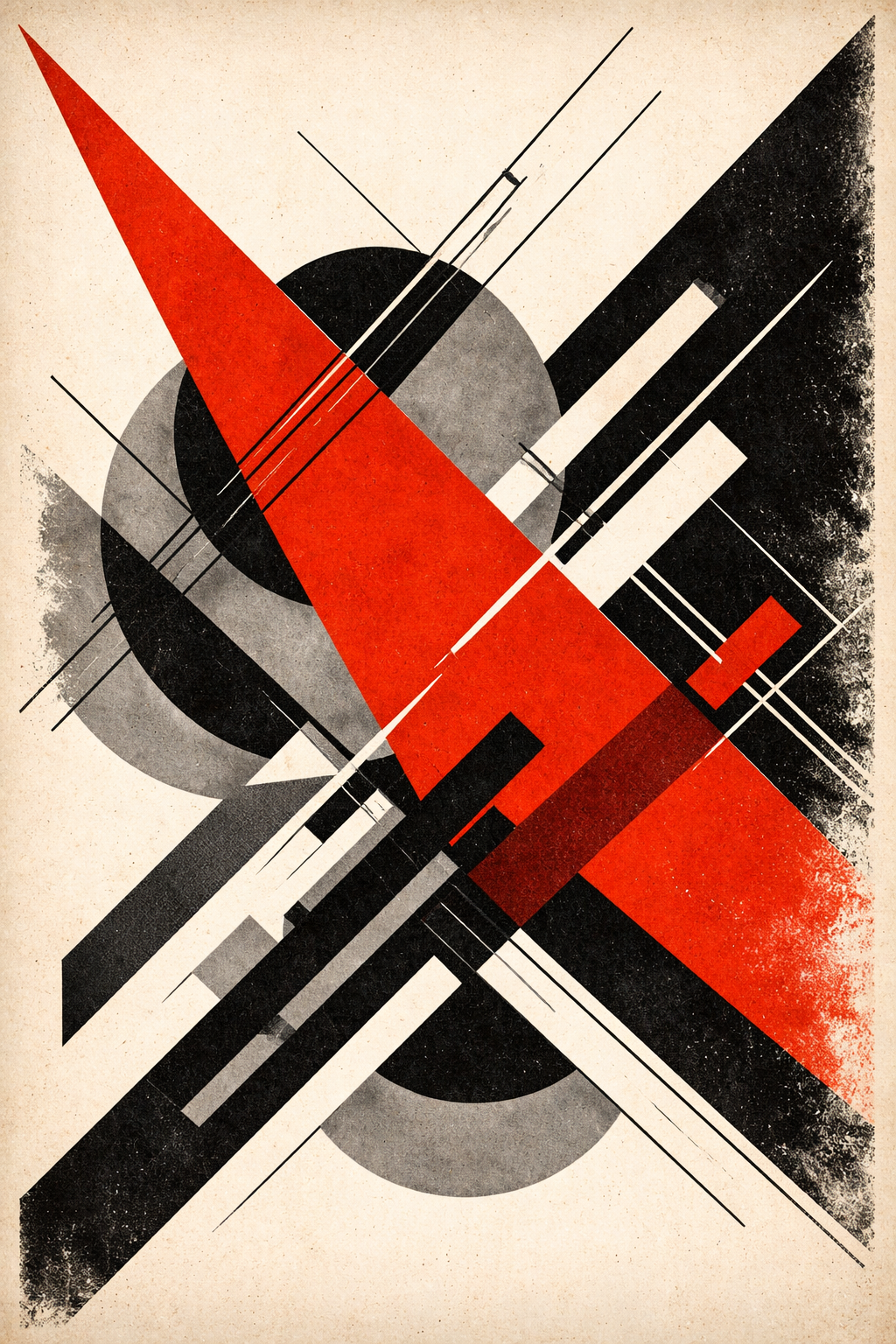
Art Prompt (Constructivism):
A bold, graphic composition built from sharp geometric forms and dynamic diagonals, arranged like a visual slogan in motion. A dominant crimson wedge slices through a field of off-white and smoky black, intersecting with steel-gray circles and thin lattice lines that suggest engineered structure. Typography-like blocks and angled bars stack with purposeful tension, creating the feeling of urgency and momentum. The surface texture is slightly worn, like ink pressed onto rough paper, with subtle grain and imperfect edges that make it feel handmade despite its precision. High contrast, limited palette, strong negative space, and an assertive, uplifting mood of forward movement and modern energy.
Video Prompt:
Animate a high-contrast graphic sequence where geometric shapes assemble themselves with crisp snap-in motion. Start on textured paper grain, then a crimson wedge sweeps in diagonally like a fast wipe transition, followed by steel-gray circles sliding into place on invisible rails. Thin black lattice lines draw themselves on screen as if inked in real time, with slight jitter that feels handmade. Add rhythmic zooms and quick punch-in cuts on intersections of shapes, then pull back to reveal the full composition. Include subtle parallax on the paper texture, a gentle wobble on edges like printed ink, and a final satisfying lock-in moment where all elements align perfectly and hold for a clean loop.
Songs to pair with the video:
- Clubbed to Death — Rob Dougan
- Seamonkey — Moderat
- Milk — Moderat