There are two moments in every developer’s life.
The first is when you confidently type:
git add .
git commit -m "quick fix"
git push
The second is when you realize you just committed chunk_1.txt, your API keys, your .env, or that 800MB video file of your cat debugging your code.
Let’s fix it. Calmly. Like adults. With snacks nearby.
The Classic Mistake
You added a file.
You committed it.
You pushed it.
Then you added it to .gitignore.
And Git looked at you like, “That’s adorable.”
Because .gitignore only prevents new files from being tracked. If Git is already tracking it, it does not care that you changed your mind.
Git is many things. Sentimental is not one of them.
If you need a refresher on how tracking works, the official docs at https://git-scm.com/docs explain it beautifully without sarcasm.
Question 1: How Do I Remove chunk_1.txt From the Repo But Keep It Locally?
You want it gone from version control, but still sitting happily on your machine.
Here’s the move:
git rm --cached chunk_1.txt
git commit -m "Stop tracking chunk_1.txt"
git push
The key is --cached.
That tells Git: “Remove this from the index. Do not touch my actual file.”
No drama. No deleted local file. No regrets.
Once that’s done, and it’s in .gitignore, Git will stop tracking it going forward.
Question 2: What About GitHub?
If you’ve already pushed it to GitHub, removing it locally and pushing again updates the repository state going forward.
However…
The file still exists in the commit history.
If it was just something embarrassing, fine. Live with it.
If it was a secret key, password, or anything sensitive?
You must rewrite history.
That means using tools like:
git filter-repo- or the BFG Repo Cleaner
The BFG tool lives at https://rtyley.github.io/bfg-repo-cleaner/ and is fast, effective, and dramatically less painful than hand-editing history.
After rewriting history, you’ll need to force push:
git push --force
And then apologize to your teammates.
Because you just changed history.
And history remembers.
Question 3: Other Git Tips You Should Know
1. Always Check What You’re About to Commit
Before git add ., try:
git status
Or even better:
git add -p
Interactive staging makes you feel like a careful engineer instead of a chaos goblin.
2. Don’t Track Generated Files
Things you usually don’t want in Git:
.envnode_modules- build directories
- logs
- large binaries
- IDE folders
If GitHub starts yelling at you about large files, that’s your sign.
3. Use Branches Like You Mean It
Don’t develop directly on main.
Create feature branches:
git checkout -b feature/remove-embarrassing-file
Now your mistakes are isolated and respectable.
4. Learn to Love git diff
Before committing:
git diff
If what you see surprises you, you just saved yourself from future shame.
5. If It’s Sensitive, Rotate It
If you accidentally commit credentials:
- Remove them
- Rewrite history
- Rotate the keys immediately
Assume they are compromised.
Because bots crawl public repos faster than you think.
Interesting Tidbits You Didn’t Ask For (But Now You Know)
- Git doesn’t store files the way you think. It stores snapshots, not diffs in the way humans imagine.
- A 1MB file committed 10 times is not 10MB unless it changed.
- Your entire repo is basically a content-addressable object database.
git reflogis your emergency parachute.git stashis your junk drawer.
And one day, when something disappears and you think you’ve ruined your career, git reflog will quietly save you.
Final Thought
Messing up a repo is not a character flaw.
It’s a rite of passage.
The difference between a junior dev and a senior dev is not who avoids mistakes.
It’s who knows how to surgically undo them without sweating through their hoodie.
If this helped, follow me and drop a comment with your worst Git mistake. Let’s normalize version-control trauma.
Art Prompt (Realism)
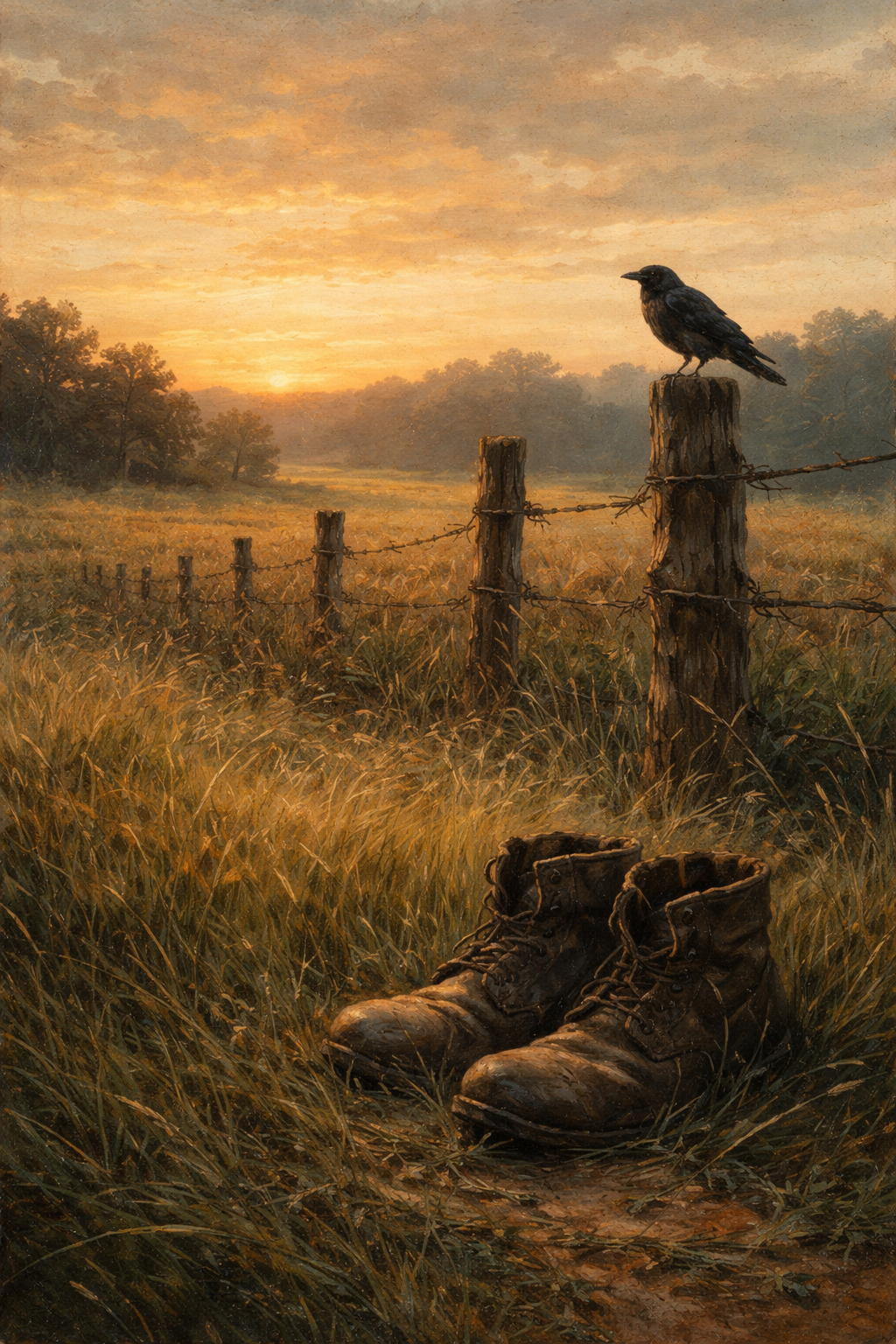
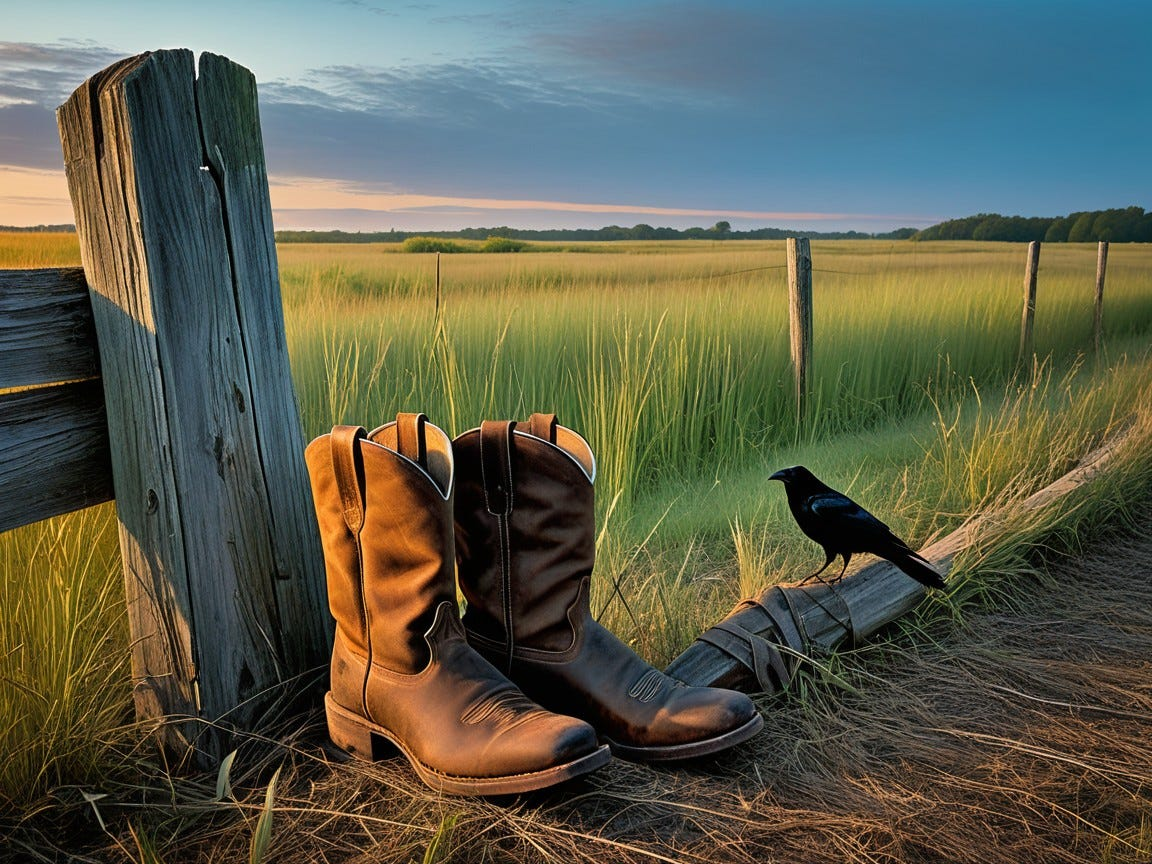
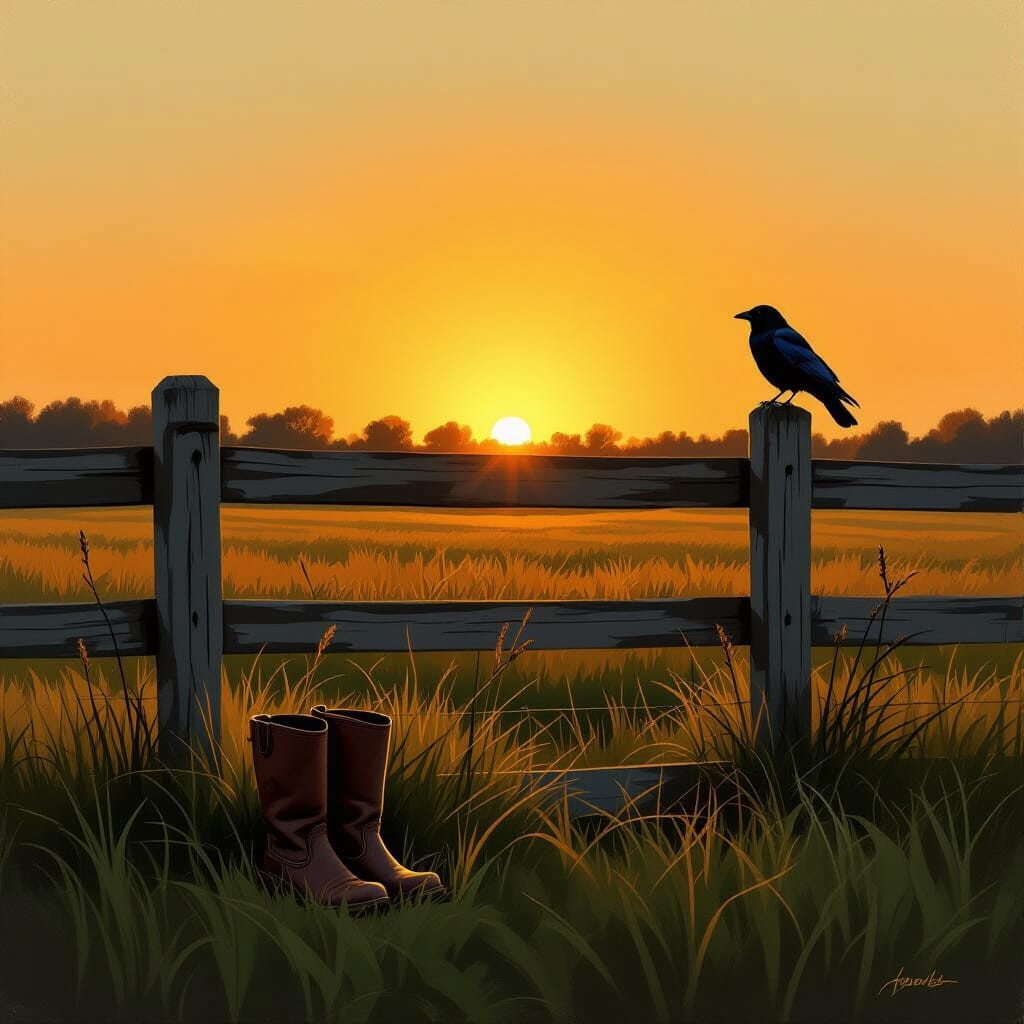
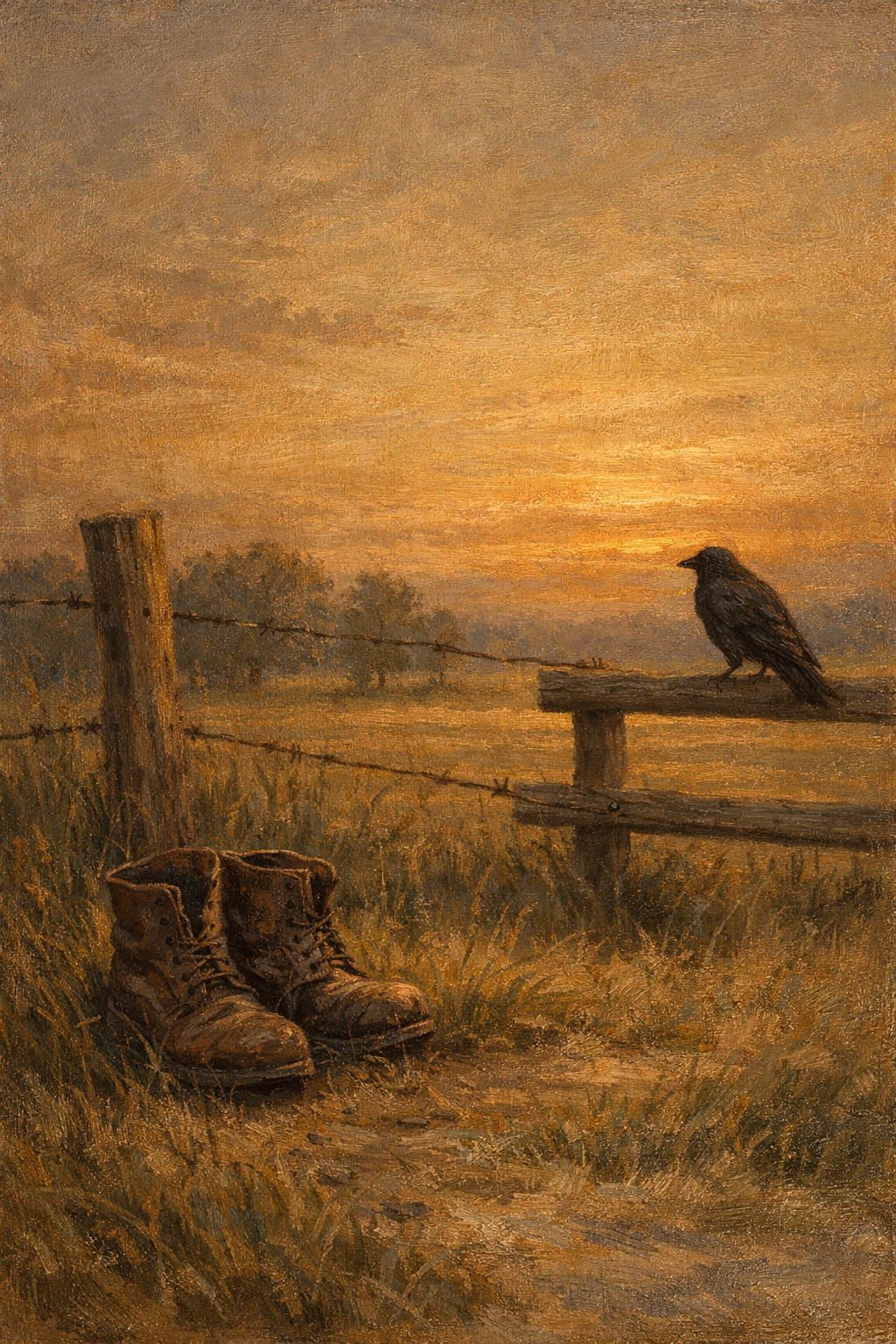
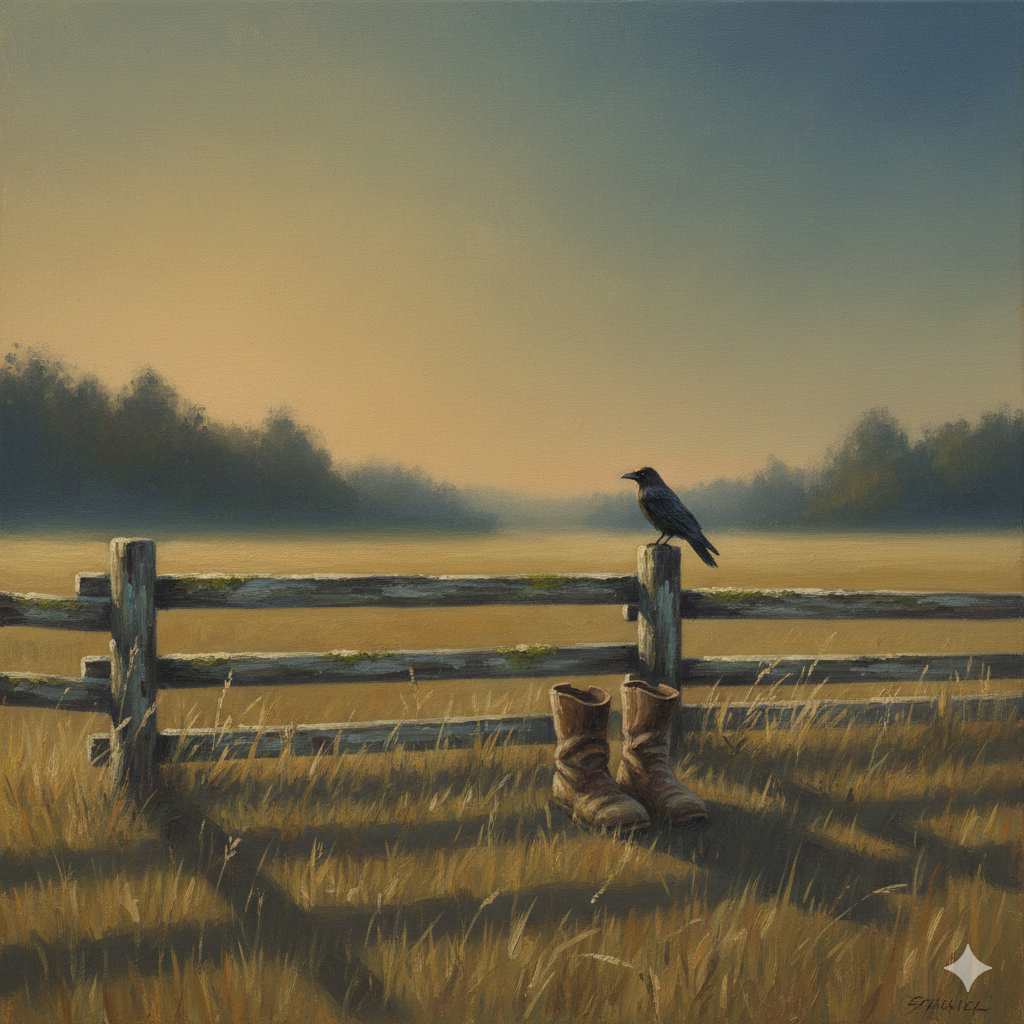
A quiet rural field at dusk under a vast amber sky, two worn boots resting in the tall grass beside a weathered wooden fence, a solitary crow perched nearby, subtle earth-toned palette of umber, muted greens, and smoky blues, textured brushwork suggesting hand-painted sincerity, careful natural lighting casting long horizontal shadows across the landscape, understated composition with grounded realism, soft atmospheric haze blurring the distant treeline, gentle tonal transitions and honest, unembellished detail evoking rural life and quiet contemplation.
Video Prompt:
Begin with a sudden gust of wind sweeping through tall grass, the boots shifting slightly as blades ripple in layered motion, golden dusk light intensifying frame by frame, the crow taking flight in slow upward arcs while the sky transitions from warm amber to deep indigo, subtle dust particles drifting across the lens, dynamic shadow movement stretching and contracting rhythmically, cinematic depth with natural camera drift that follows the motion of grass and horizon, ending with a dramatic upward reveal of the expansive twilight sky glowing with fading warmth.
Song Pairings
- Midnight Cowboy — Harry Nilsson
- Harvest Moon — Neil Young
Follow for more tech survival stories, art prompts, and the occasional controlled Git crisis.