
If you’ve been refreshing your email like it’s a stock ticker and still don’t see a Sora 2 invite — same boat, same popcorn. The good news: there’s actual signal in the noise. The better news: you can still get ready, compare your options, and line up some spicy prompts for day one.
First: where’s my invitation? Rollout is invite-based. Download the iOS app and sign up for the in-app notification — the rollout started in the U.S. and Canada and expands from there. Details (and a link to the web version you’ll unlock after invite) live in Sora 2 is here. The app listing is here if you want to pre-install and lurk the release notes: Sora by OpenAI (App Store). If you’re brand-new to it, the setup and “cameos” feature are explained in Getting started with the Sora app.
What’s the difference between Sora 2 and Sora 1? Short version: Sora 2 is much better at physics, persistence, and control. It handles multi-shot instructions, keeps world state consistent, and adds synchronized speech and sound effects. Think “missed basketball shots bounce realistically instead of teleporting.” For the official breakdown (including safety and provenance), read Sora 2 System Card, and for the high-level capabilities and examples, see Sora.
When can I evaluate it myself? As soon as your invite lands. Until then, the best prep is collecting prompts, storyboards, and voice/FX ideas — Sora 2’s control shines when you give it detailed, shot-by-shot direction. Install the app, enable notifications, and you’ll get the green light when your account is enabled: Sora 2 is here.
What are other people saying about Sora 2? Beyond the launch docs, the discourse ranges from “this feels like a world simulator” to “uh oh, watermark removers.” A more fun datapoint: Sora briefly topped the App Store charts before being dethroned by free chicken. Yes, really. It’s a vibe check on how fast the app spread: Wired on Sora’s App Store moment.
Has it made any famous art? Not “museum-catalog famous,” but the house demos already span cinematic live-action, anime, and tightly directed multi-shot scenes. The gallery gets you a feel for range, staging, audio, and how cameos slot into scenes: Sora.
What’s better: Veo 3 or Sora 2? Depends on your needs. Veo 3 (DeepMind) emphasizes narrative control, long durations, and now broader formats; The Verge’s Veo 3 update also notes vertical formats and significant price drops. Sora 2’s edge is tight physical realism, synchronized audio, and friend-powered cameos packaged in a social creation app; you’ll want hands-on time with both for workflow fit. If you’re already on Google Cloud, the Veo 3/Imagen 4/Lyria 2 post on Vertex AI lays out deployment paths and pricing signals.
Who else competes? Plenty, and each has a superpower:
- Runway Gen-3 Alpha: strong director-style controls and production tools.
- Luma Dream Machine: fast iteration, iOS + web, and slick “draft vs. quality” flows.
- Pika: popular creator features (Pikaframes, scenes) and transparent credit-based pricing in its docs.
Any other interesting tidbits?
- Sora 2 isn’t just video — it generates speech, sound effects, and background soundscapes with scene awareness. That’s huge for previsualization and social-native posts: Sora 2 is here.
- Safety and provenance are active areas; watermarking and moderation policies are evolving fast, with the current stance spelled out in Sora 2 System Card.
Okay, but seriously — where’s my invite? You and me both. Do the practical stuff today: install, enable notifications, draft a few scene breakdowns, and keep a short list of “A/B” prompts you’ll run across tools the minute you’re in. Then come back and flex.
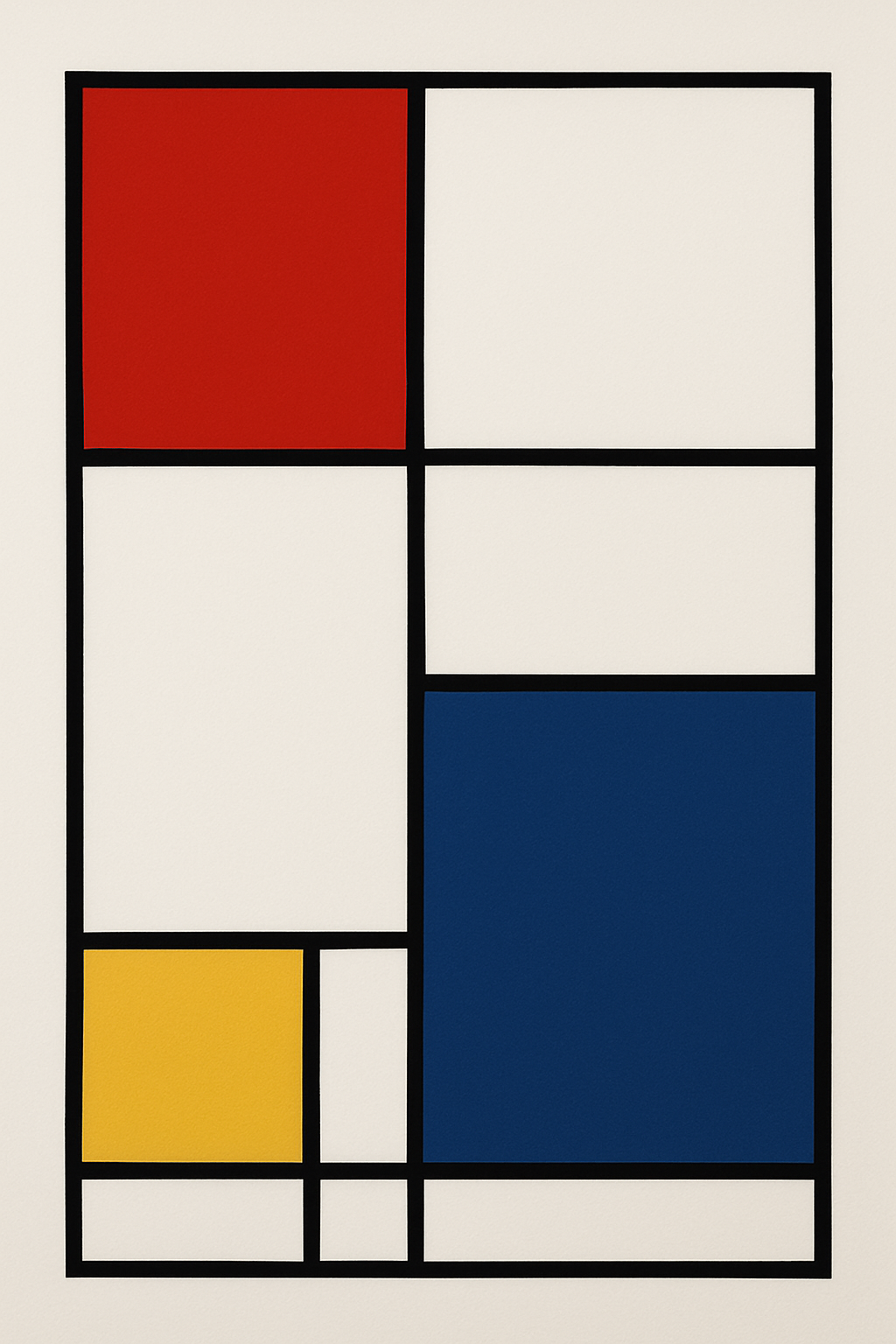
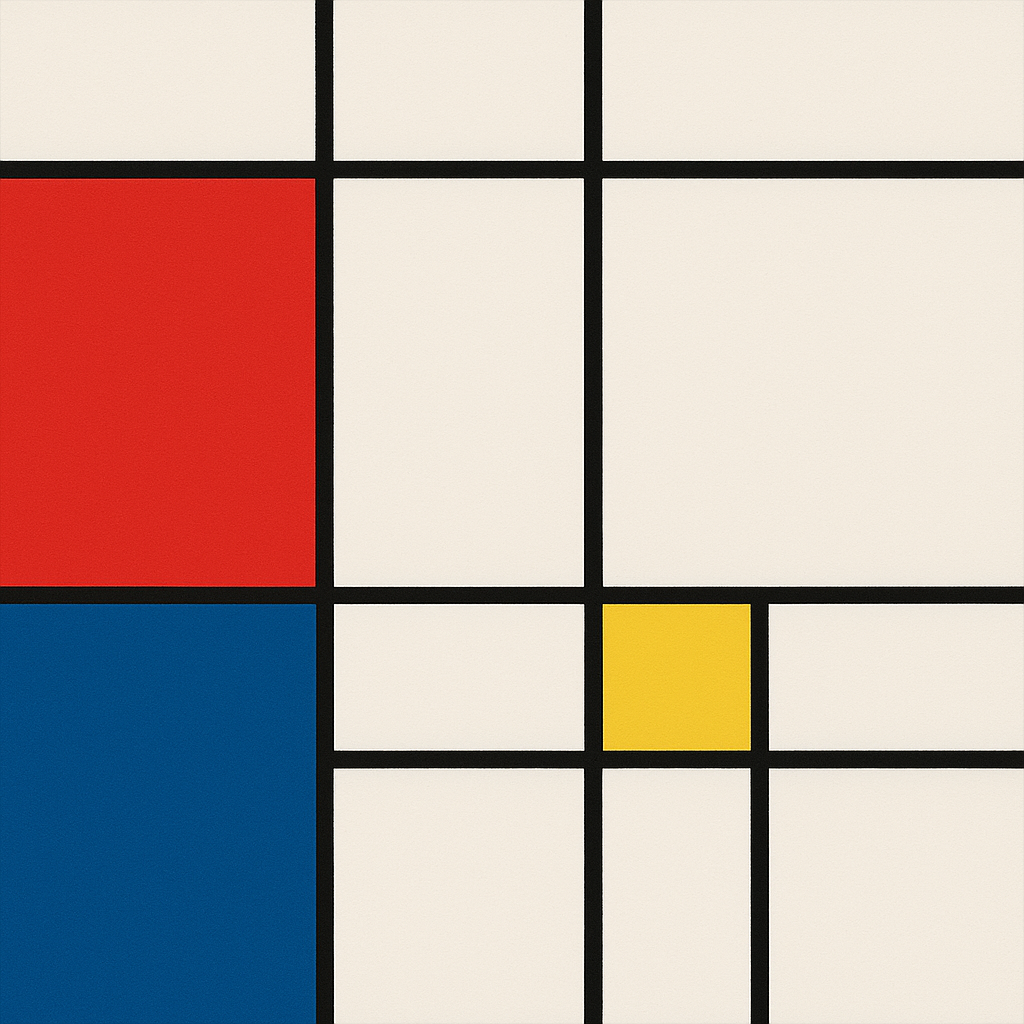
Art Prompt (Geometric Abstraction): Austere white field punctuated by a grid of razor-clean black lines, intersecting to form asymmetric blocks of primary color — scarlet, cobalt, and a single square of butter-yellow that anchors the composition. Surfaces are matte, edges crisp as if taped to perfection; negative space hums with tension. The balance feels engineered yet musical: rectangles of unequal weight lock together like a quiet chord. No gradients, no texture — just flat chroma planes that glow with quiet certainty. Compose with strict verticals and horizontals, leaving generous white margins so each color breathes; evoke serene precision and urbane restraint.

Video Prompt: Begin on a pristine white canvas where thin black bars slide into place, snapping to a subtle metronome click. As the grid locks, squares of red, blue, and yellow fade in one by one with soft whooshes, each landing perfectly on the beat. The camera glides laterally along the grid, then eases into slow push-ins on color blocks as a gentle room-tone swells into a minimalist ambient bed. Add delicate light flickers across the surfaces (no glare, keep it matte) and micro-parallax as the shapes subtly reposition, like a choreographed puzzle assembling itself. End with a restful wide shot — silent, balanced, and satisfyingly complete.
Two songs to soundtrack the cut:
- Space Walk — Lemon Jelly
- Feel It Still — Portugal. The Man
If you found this helpful, follow for more creative tests, side-by-side comparisons, and prompt recipes — and drop a comment with your first prompt the moment your invite hits. I’ll try it too and share the results.